Photo tools / Android App
Product Photo Resizer
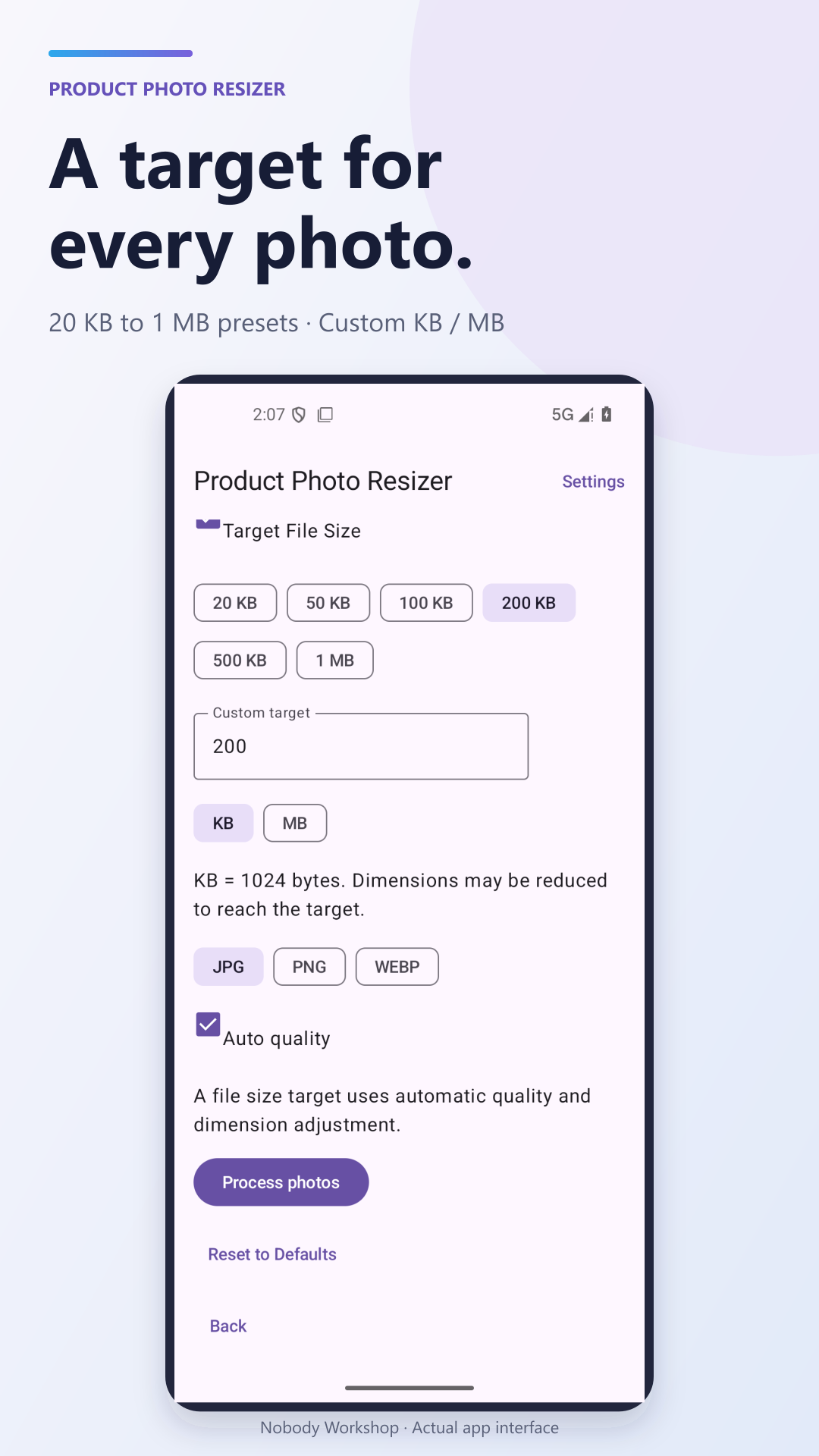
Batch resize up to 20 photos, set KB targets and save JPG, PNG or WebP.
Get it on Google Play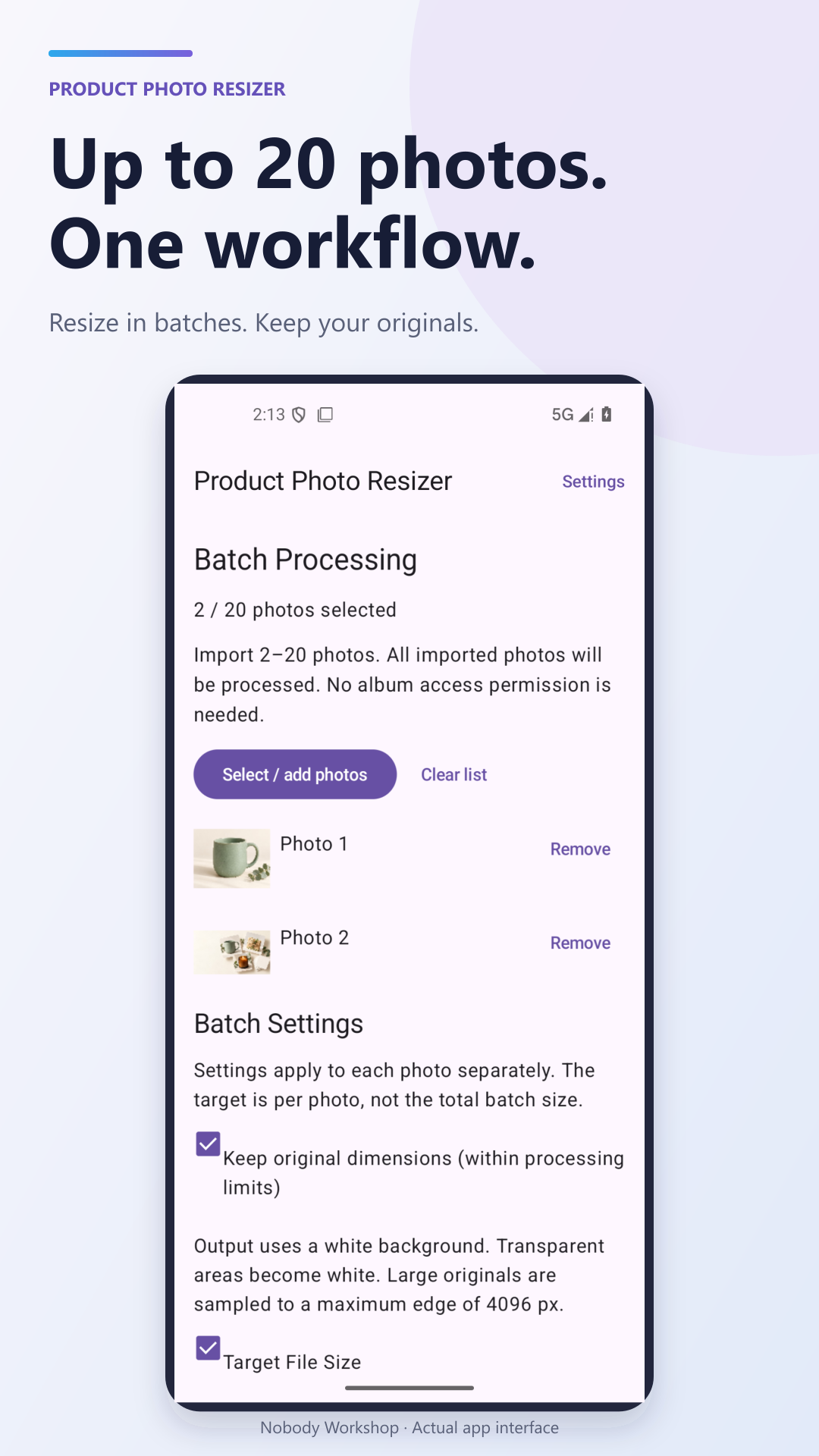
A few things to know
Before you give it a try.
Where can I get it?
Download the Android version using the Google Play link above. Google Play shows availability for your country and device.
What do I do in Product Photo Resizer?
Batch resize up to 20 photos, set KB targets and save JPG, PNG or WebP.
Does it contain ads?
The current Google Play listing declares ads. Check the store page for the latest purchase details and regional availability.
How can I share feedback?
Email service@nobodyworkshop.com with the product name and a short description of what happened. Honest feedback is welcome.
Made it part of your day?
Tell me what you think. The person who built it is listening.
Send honest feedback ↗